

If you’re a complete beginner who dreams of starting a food blog in 2026, the very first question you’ll probably Google is: “WordPress.org vs WordPress.com — which one should I use?”
I get it. When I decided to help new food bloggers through PressNovice, I asked myself the exact same thing. You just want to share your recipes, beautiful photos, and maybe earn a little money one day… but suddenly you’re faced with two platforms that sound almost identical. It’s confusing, overwhelming, and it makes you want to close the tab and wait “until you know more.”
Here’s the good news: after helping dozens of beginners and running my own food-related sites, I can tell you the answer is actually very clear. In this 2000-word guide, I’ll break down WordPress.org vs WordPress.com for beginners 2026 in the simplest way possible, with real-life kitchen analogies, honest pros and cons, and exactly why I recommend the self-hosted version (WordPress.org) for almost every new food blogger.
By the end, you’ll know which path is right for you and — most importantly — you’ll feel confident to take the next step instead of staying stuck.
The Kitchen Analogy That Makes Everything Click
Imagine you want to open your own little bakery.
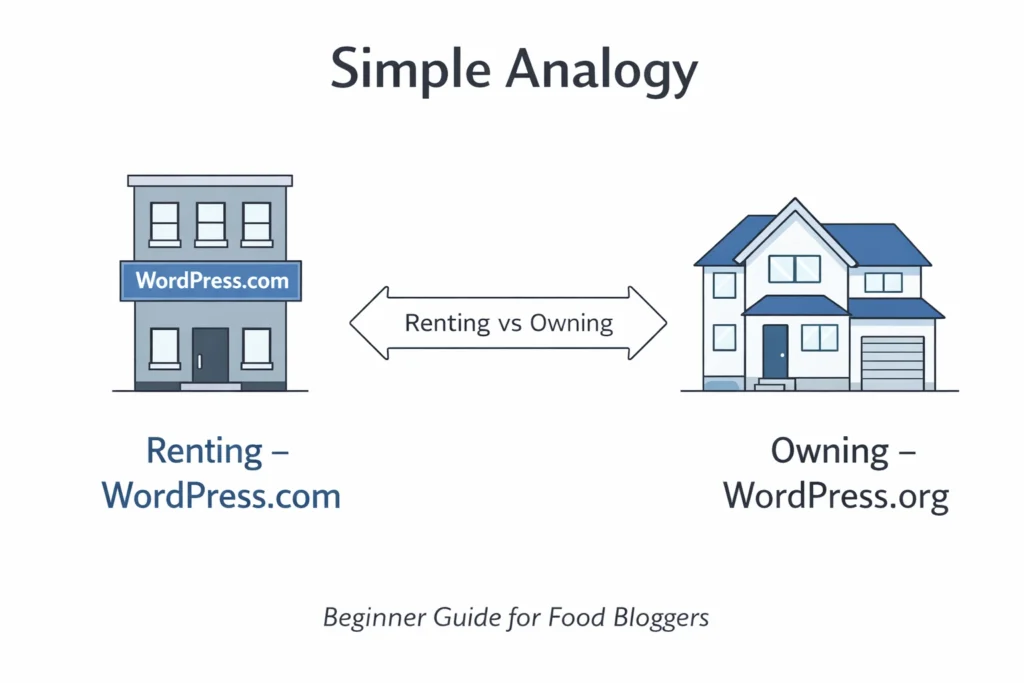
- WordPress.com is like renting a stall inside a big food market. The market owner handles the electricity, cleaning, security, and even provides the basic counter. It’s easy and cheap at first. But you can only use the equipment they allow, you can’t repaint the stall your own colors, and if the market changes its rules, you have to follow them — even if it hurts your business.
- WordPress.org (self-hosted) is like having your own small bakery shop on the street. You own the building. You can paint the walls any color you want, install the exact oven and display case you love, and decide how you welcome customers. Yes, you pay for your own electricity and do a bit of maintenance, but you have total freedom to make it feel like your brand.
For a food blog, that freedom matters more than most beginners realize. Your recipes, your photos of that perfect chocolate cake, and your future “quiet luxury” design with the Sage theme all need space to breathe. That’s why I almost always recommend self-hosted WordPress.org for food bloggers in 2026.
WordPress.org vs WordPress.com 2026: The Honest Head-to-Head Comparison
Let’s look at the real differences that actually affect a food blog beginner like you.
| Feature | WordPress.com (Hosted) | WordPress.org (Self-Hosted) | Best for Food Bloggers? |
|---|---|---|---|
| Monthly cost | Free plan + paid from $4/mo | Free software + hosting $3–$11/mo | WordPress.org |
| Full design freedom | Very limited until you pay $25+/mo | 100% freedom (use Sage, custom colors, etc.) | WordPress.org |
| Plugins you can install | Only official WordPress.com plugins | Any plugin (WP Recipe Maker, Kadence Blocks, etc.) | WordPress.org |
| Monetization & affiliate links | Heavily restricted until expensive plans | Full freedom from day one | WordPress.org |
| Speed & photo loading | Decent but shared servers | Much faster with good hosting (Hostinger Cloud) | WordPress.org |
| Ownership of your content | You don’t fully own it | You own everything | WordPress.org |
| SEO control | Limited | Full control (permalinks, schema, etc.) | WordPress.org |
| Technical difficulty | Easiest possible | Very easy in 2026 with modern hosting | Tie |
| Scalability for a growing blog | Hits walls quickly | Can grow to 100k+ visitors easily | WordPress.org |
As you can see, WordPress.org wins almost every category that actually matters for a food blog.
Why Choose WordPress.org Over WordPress.com for Beginners Who Want a Food Blog
Your food blog needs beautiful, professional design
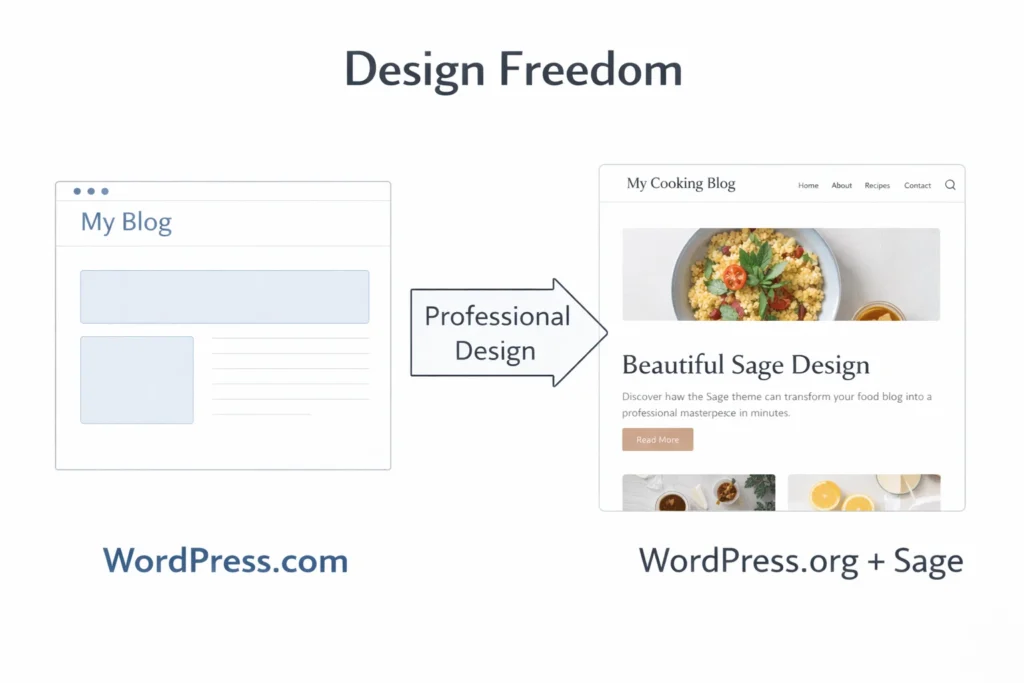
You’ve probably already seen the Sage theme and thought “Wow, that looks expensive and calm.” On WordPress.com you cannot use Sage at all on the cheap plans. On WordPress.org you install it in two clicks and make your blog look like a high-end recipe site from day one.
Recipe plugins work best on self-hosted
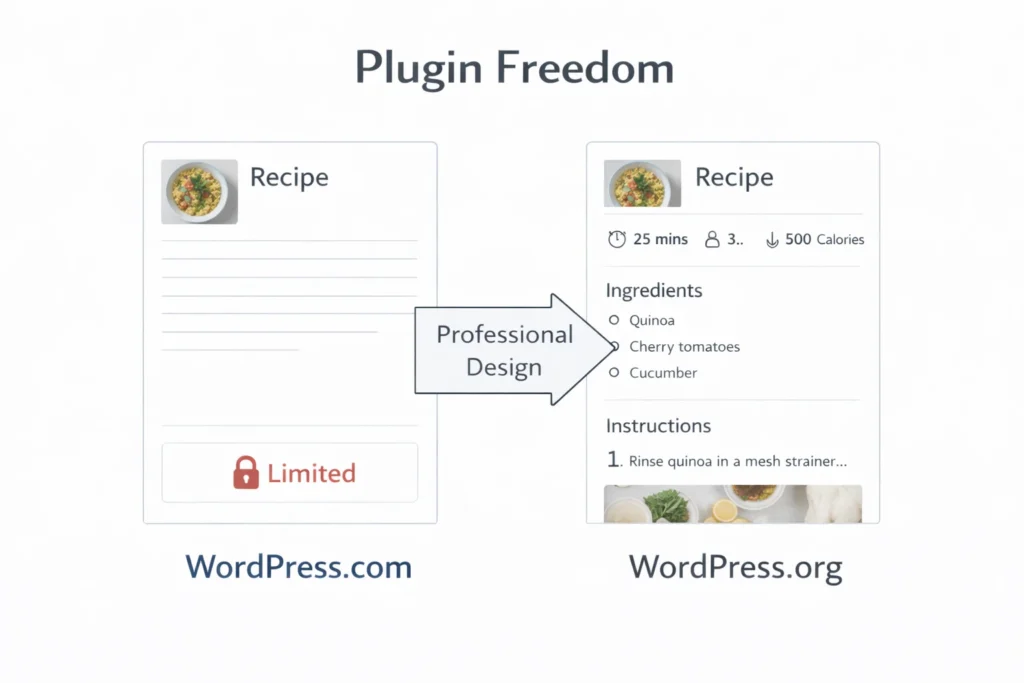
Tools like WP Recipe Maker or Tasty Recipes (the ones that add nutrition facts, jump-to-recipe buttons, and Google schema) are either blocked or very limited on WordPress.com. On WordPress.org they work perfectly.
Photos are everything in food blogging
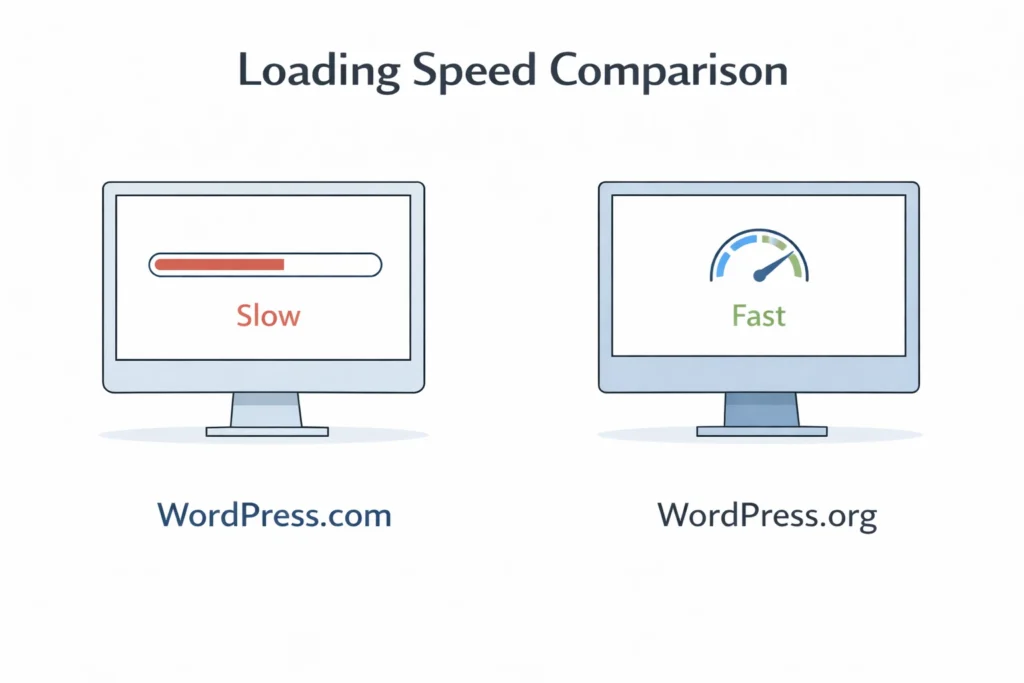
Your site will have hundreds of mouth-watering images. Self-hosted WordPress on fast hosting loads those photos much quicker, which keeps readers happy and Google happy.
You want to make money without restrictions
Should I use WordPress.com or WordPress.org for my food blog if I plan to add affiliate links (Hostinger, Amazon kitchen tools, etc.)? The answer is simple: only WordPress.org lets you do it naturally and from the beginning.
You own your blog
Many beginners don’t realize that on WordPress.com, if they ever want to move, it can be complicated and expensive. With WordPress.org you can move your entire site anytime you want.
Common Fears Beginners Have About WordPress.org (And Why They’re Smaller Than You Think)
I get it. Even though WordPress.org is the clearer long-term choice for most food bloggers, it can still feel a little intimidating when you’re just starting out. You might be thinking, “Is it too technical for me?” or “Will I break something?”
Here are the most common fears I hear from beginners like you — plus the honest truth behind each one. You’ll quickly see that in 2026 these worries are actually much smaller than they seem.
“I’m not technical — can beginners use WordPress.org easily?”
Yes. In 2026 it’s easier than ever. Hostinger and other beginner-friendly hosts have one-click installers. I’ll show you the exact steps in the next articles of this series. Most new food bloggers I help are up and running in under 10 minutes.
“Is WordPress.org free for beginners?”
The software itself is 100% free. You only pay for hosting (which is actually cheaper than most WordPress.com paid plans once you grow).
“WordPress.com limitations for food blog”
The free and cheap plans restrict custom themes, plugins, and monetization. For a serious food blog, you’ll outgrow those limitations very fast.
Real Examples of Food Blogs That Chose Each Platform
- Successful food blogs you admire almost all run on WordPress.org.
- Blogs that stay small and simple sometimes stay on WordPress.com, but they usually hit a ceiling when they want to look professional or earn money.
What This Means for You Right Now
If your goal is to create a beautiful, professional food blog that you can grow and eventually monetize, then WordPress.org (self-hosted) is the clear winner in 2026.
You don’t need to be a tech genius. You just need to follow one simple path — and PressNovice is built exactly for that.
Your Next Clear Steps (No Overwhelm)
- Read the main Pillar Page: “The Ultimate WordPress 2026 Beginner Guide” (link once published)
- Choose beginner-friendly hosting (I’ll cover the best option in the next pillar)
- Install WordPress in minutes
- Come back here and read the next cluster: “Posts vs Pages – How to Use Them for Recipes”
You’ve already done the hardest part: deciding to start your food blog. The rest is just following clear, calm steps.
Frequently Asked Questions
For almost every beginner who wants to launch a real food blog in 2026, I strongly recommend WordPress.org (self-hosted). It gives you the freedom to use the Sage theme, install any recipe plugin you want, and add affiliate links naturally — things that are very limited on WordPress.com.
WordPress.com is a hosted platform (easier at first but restrictive), while WordPress.org is self-hosted software that you install on your own hosting (like Hostinger). The self-hosted version gives you full control, which is exactly what most new food bloggers need.
Because you get complete design freedom, faster loading times for your recipe photos, full plugin support (like WP Recipe Maker), and the ability to monetize your food blog from day one. In 2026, WordPress.org is clearly the better long-term choice for anyone serious about their blog.
Yes — the WordPress software itself is 100% free. You only pay for hosting (usually $3–$11 per month). It’s actually often cheaper than upgrading to a paid plan on WordPress.com once your food blog starts growing.
Absolutely. Modern hosting like Hostinger makes it extremely simple with one-click installation. Most beginners I help are up and running in under 10 minutes. You don’t need to be technical at all.
Yes — that’s one of the biggest reasons I recommend it. You can install the Sage theme, Kadence Blocks, WP Recipe Maker, and anything else you need to make your food blog look professional and high-end.
Conclusion: Your Clear Path Forward
You now have a complete picture of the difference between WordPress.org and WordPress.com for beginners in 2026.
The bottom line is simple: if you want to build a beautiful, professional food blog that you can grow and eventually monetize, WordPress.org (the self-hosted version) is the smarter choice. It gives you the freedom to use the Sage theme, install the best recipe plugins, and make your site truly yours — without hitting the frustrating limitations you’ll quickly find on WordPress.com.
Yes, it feels a little bigger at the beginning, but in 2026 it’s easier than ever. With the right hosting and clear step-by-step guidance (which is exactly what this Pillar 6 series is for), you’ll be up and running faster than you think.
You don’t need to figure everything out today. You just need to take one clear step at a time.
In the next article, we’ll look at the difference between Posts and Pages — and how to use them to organize your recipes perfectly.
You’ve already come this far. Your food blog is no longer just an idea — it’s now something you know how to start.
Let’s keep going. I’m right here with you.
